Built to Keep You Creating
These vocal presets are designed for a fast, creative workflow, giving you a polished vocal sound without pulling you out of the creative process.
Each preset is built entirely with stock Logic Pro or Pro Tools plugins, so there’s no additional software to buy or complicated setup required. Load the preset, adjust a few key controls for your voice, and keep making music.
Whether you’re tracking a new idea, producing your own vocals, or finishing a release, the goal is simple: spend less time building vocal chains and more time creating
All presets are digital downloads — your links arrive by email the moment you check out..
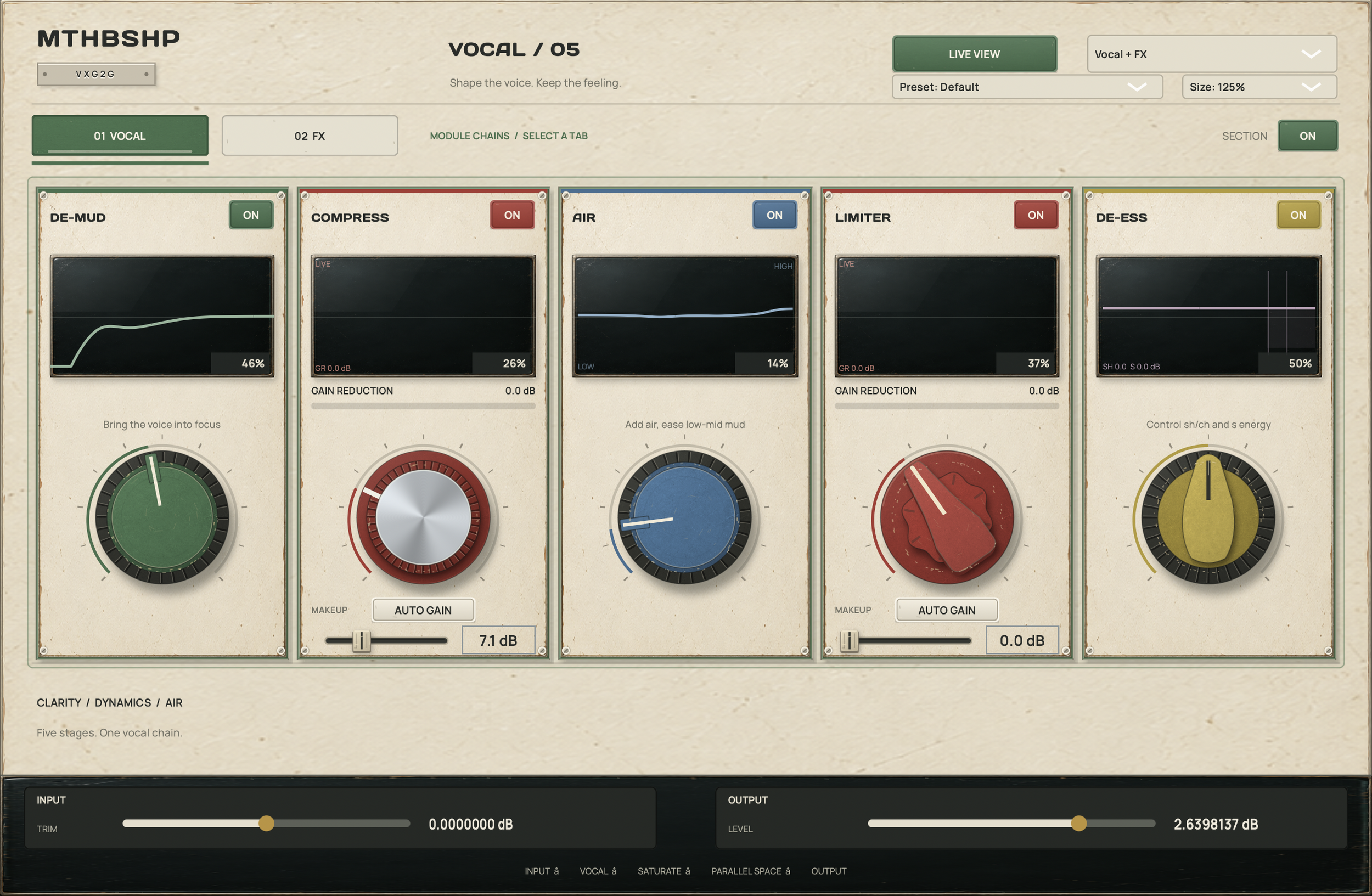




Hear the Presets in Action
Press play, then switch between RAW and WITH PRESET while the vocal is playing to hear the difference in real time.
Choose between Ballad, All-Around, and Aggressive, then select your DAW to hear exactly how each preset shapes the vocal.
For the best comparison, let the audio play and toggle back and forth between RAW and WITH PRESET without stopping playback.
Frequently Asked Questions
What do I need to use these presets?
Each preset is built entirely with stock Logic Pro or Pro Tools plugins. No third-party plugins or additional purchases are required.
How do I receive my presets? Download links are emailed to you immediately after checkout, so you can buy on any device and install on your studio computer whenever you're ready.
Are the Logic and Pro Tools versions included?
Yes. Your purchase includes versions designed for both Logic Pro and Pro Tools, so you can use the preset in either DAW.
Are these presets ready to use right away?
Yes. Load the preset, set your vocal level appropriately, and you’ll have a great starting point immediately. A few small adjustments can help tailor the preset to your particular voice and recording.
How should I set my recording level?
Gain staging is important. The included ReadMe walks you through setting a healthy input level so the compressors and other processors react as intended. You can also use clip gain to fine-tune the level of an already-recorded vocal.
Do I need to adjust the compressors?
Possibly. Every vocal is different, so the ReadMe includes recommended gain-reduction ranges for each preset. These give you an easy target rather than requiring you to understand every compressor setting from scratch.
What should I adjust if my vocal sounds too bright or harsh?
Start with the de-esser threshold. The EQ settings are designed to work well as a starting point, while the de-esser is one of the controls you may want to adjust depending on your voice, microphone, and recording.
Do the presets include reverb and delay?
Yes. The vocal chains include reverb and delay as part of the sound, so you can quickly get a vocal that feels produced rather than simply processed.
Can I use these while recording?
Yes. They can be used while tracking to give you a more inspiring vocal sound as you perform, or applied afterward to vocals you’ve already recorded.
What's the difference between Ballad, All-Around, and Aggressive?
Ballad is smoother and more natural, All-Around is a versatile starting point for a wide range of vocals and productions, and Aggressive provides heavier control and a more upfront sound for vocals that need to stay firmly in front of the track.
Are these meant to replace mixing?
Think of them as a professionally designed starting point rather than a one-click replacement for mixing. They're built to get you to a polished vocal sound quickly while still giving you the flexibility to make the sound your own.
Are installation instructions included?
Yes. The included ReadMe explains how to install and load the preset files in Logic Pro and Pro Tools, along with guidance for getting the best results from them.